Notes Integration
Designing a native notes system for QSWeb — built around trading workflows, not adapted from general-purpose tools.
Challenge
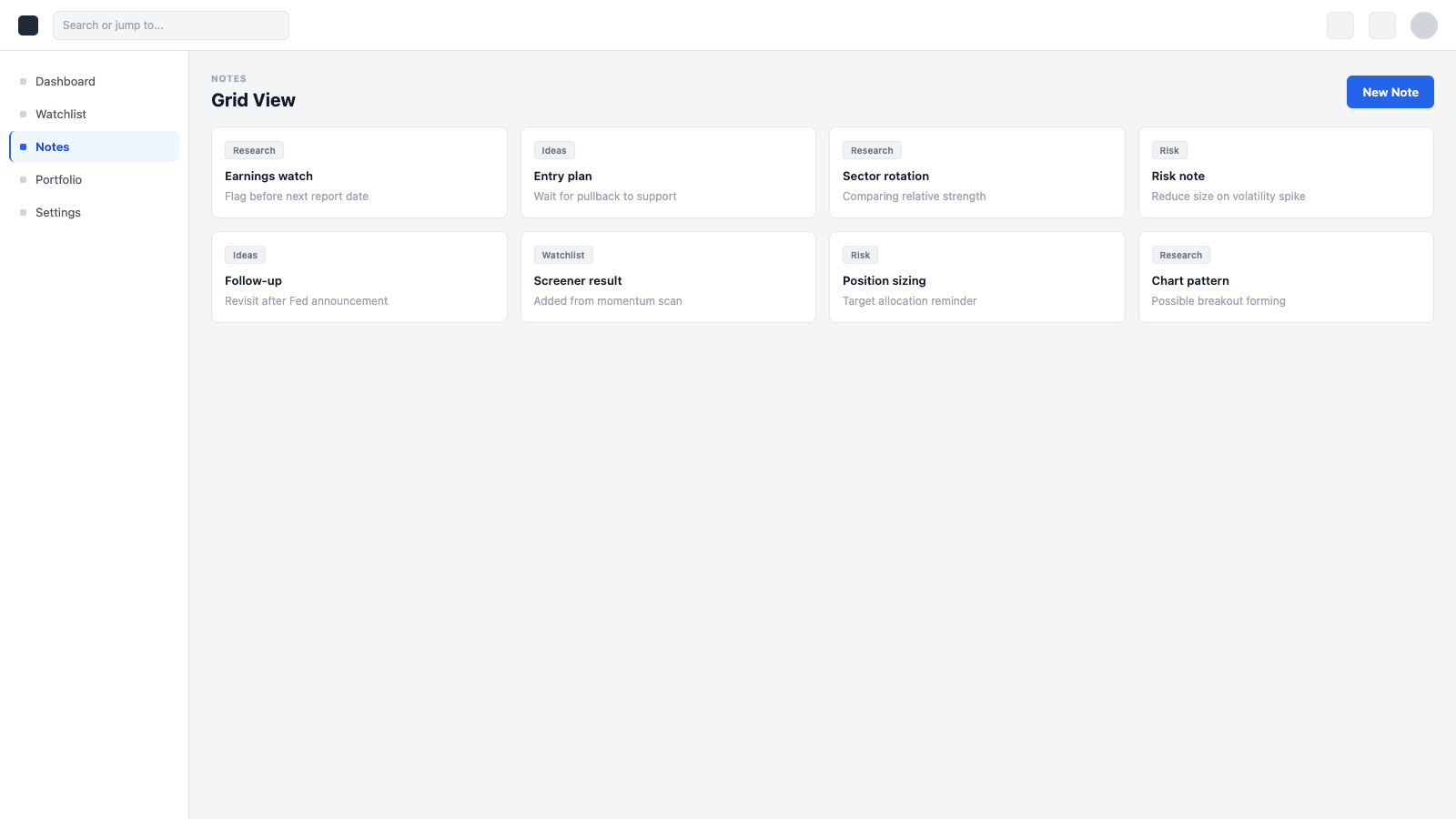
The initiative was driven by a need to stay competitive, with early direction referencing tools like Google Keep. Those patterns are designed for general note-taking and don't map directly to trading workflows. There was limited product definition upfront, so the structure, behaviour, and integration points needed to be established within the context of a dense, modular interface. The challenge was introducing a new capability that fits naturally into QSWeb without disrupting core workflows.
Approach
Focused on defining how notes should behave within the product rather than adapting external models. Established structure, interaction patterns, and integration points that align with QSWeb modules and layout constraints. Worked closely with development throughout implementation and validation to ensure the system remained consistent and scalable.
Outcome
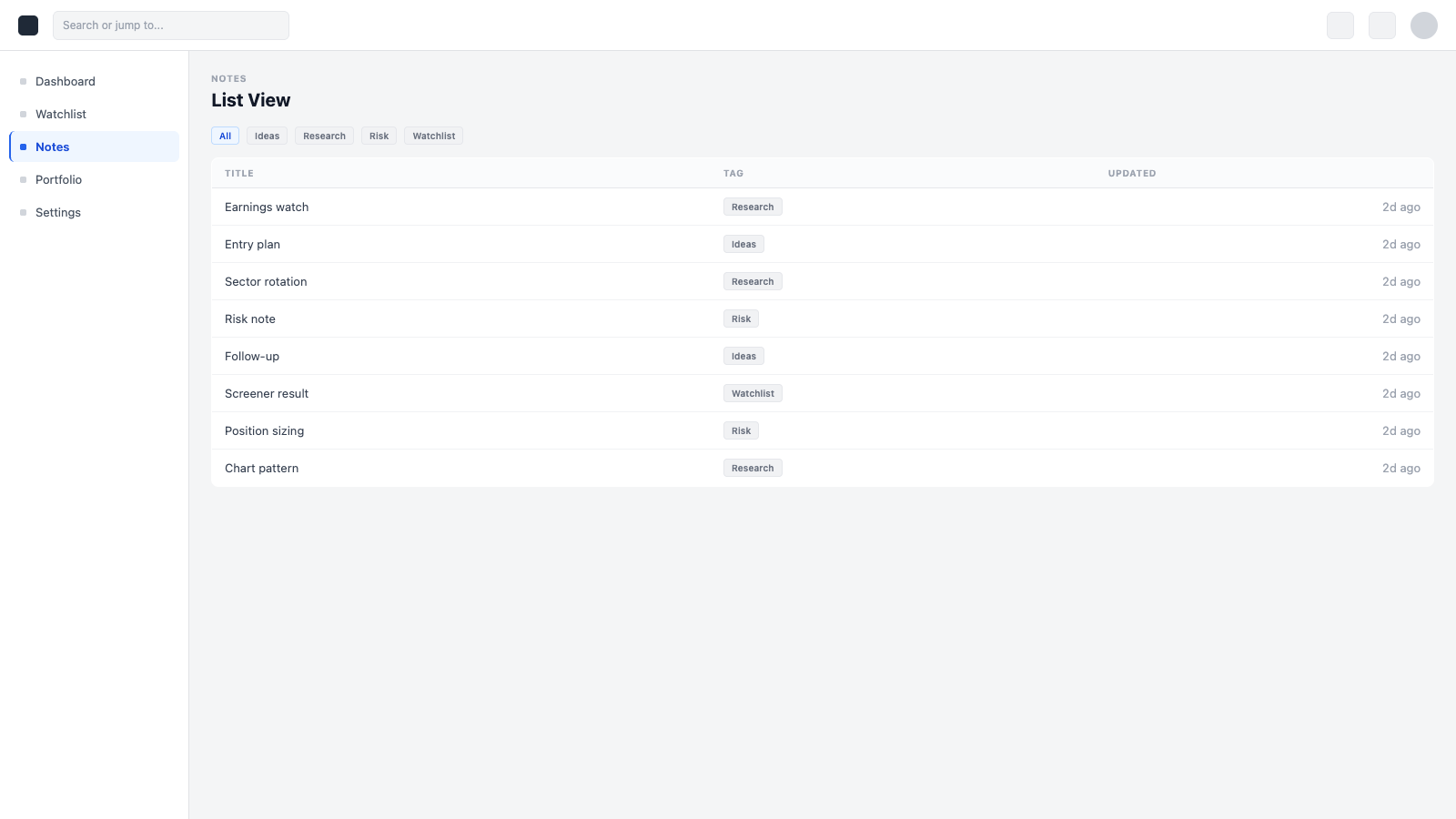
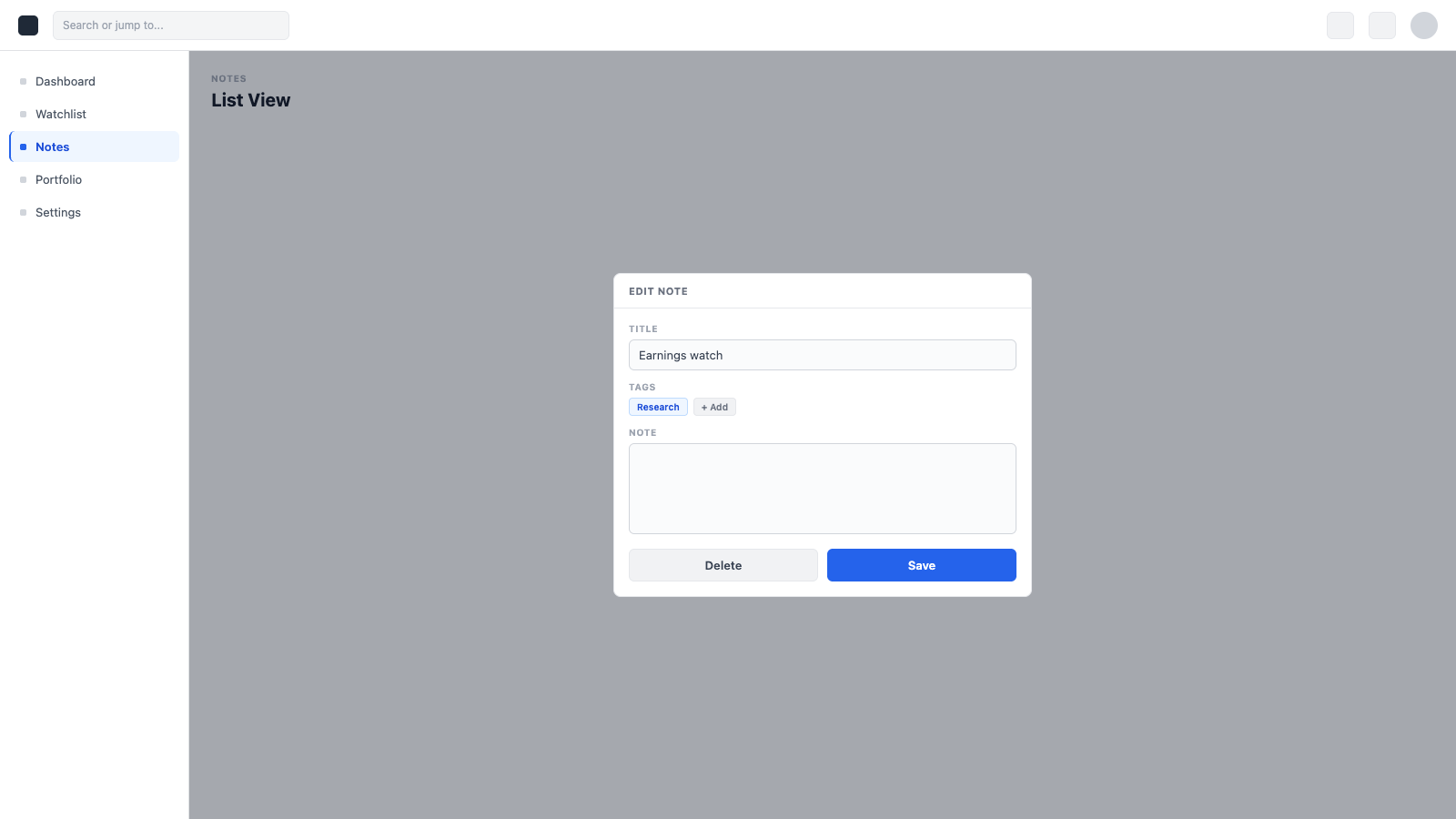
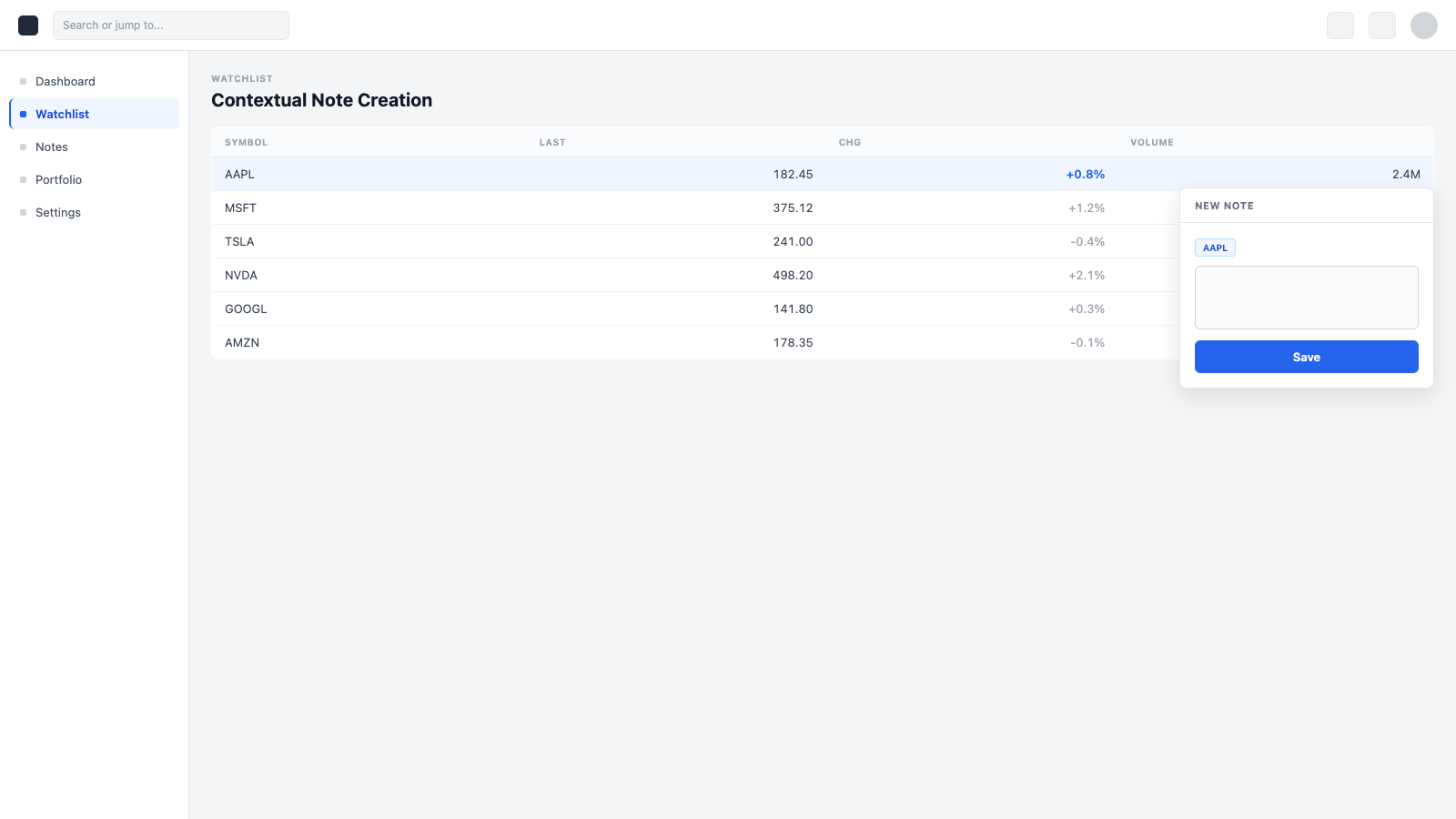
Users can create and manage notes directly within QSWeb, with support for tagging, sorting, and multiple viewing modes. The system was later extended to support note creation from other modules, allowing relevant data to be passed directly into notes. Established a scalable foundation for future enhancements, including deeper contextual integration.
Gallery
Related Projects
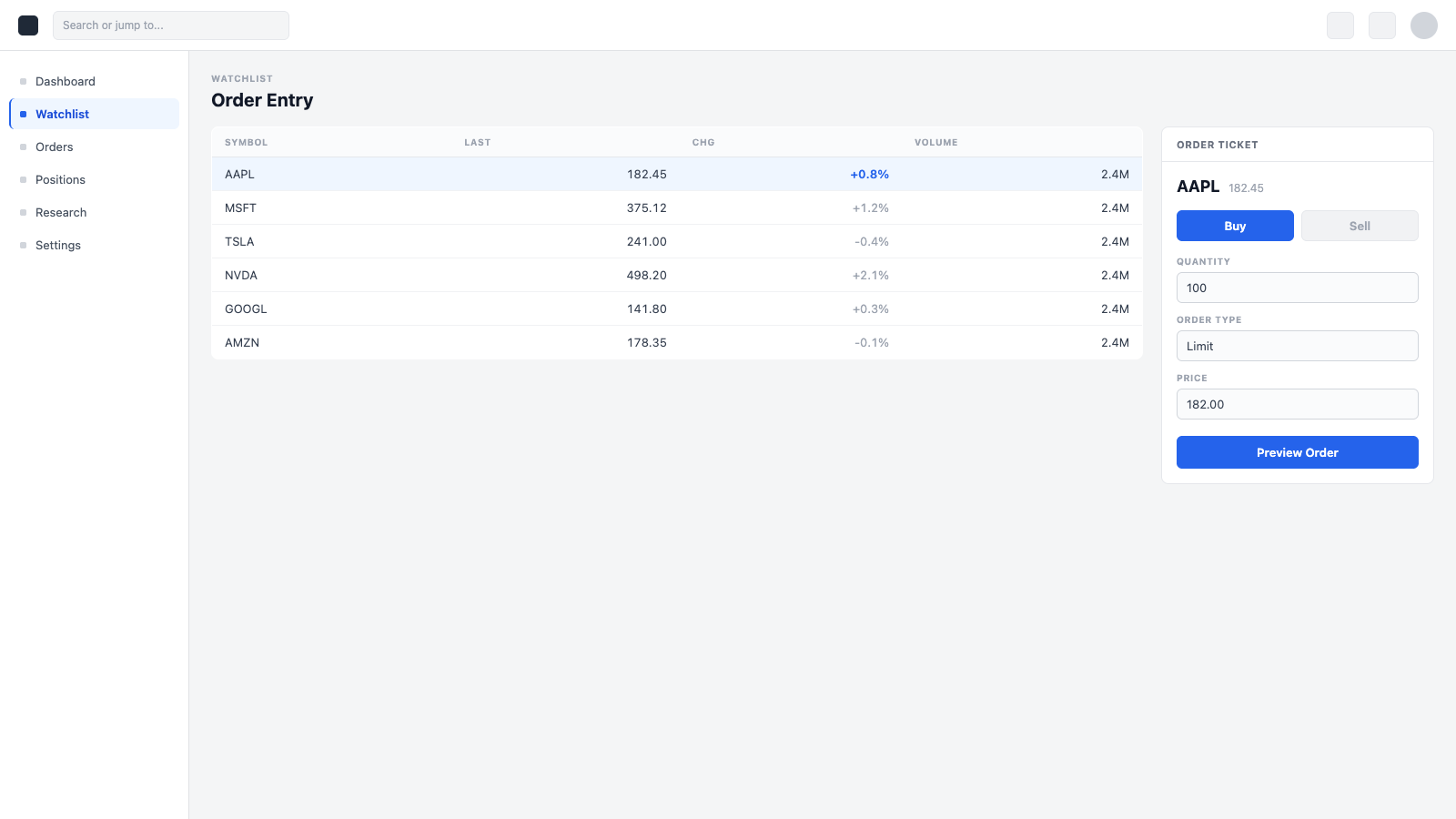
Trade Experience / Order Entry System
Designing a complete institutional trading experience from the ground up — across tickets, confirmations, and integrated trade actions.
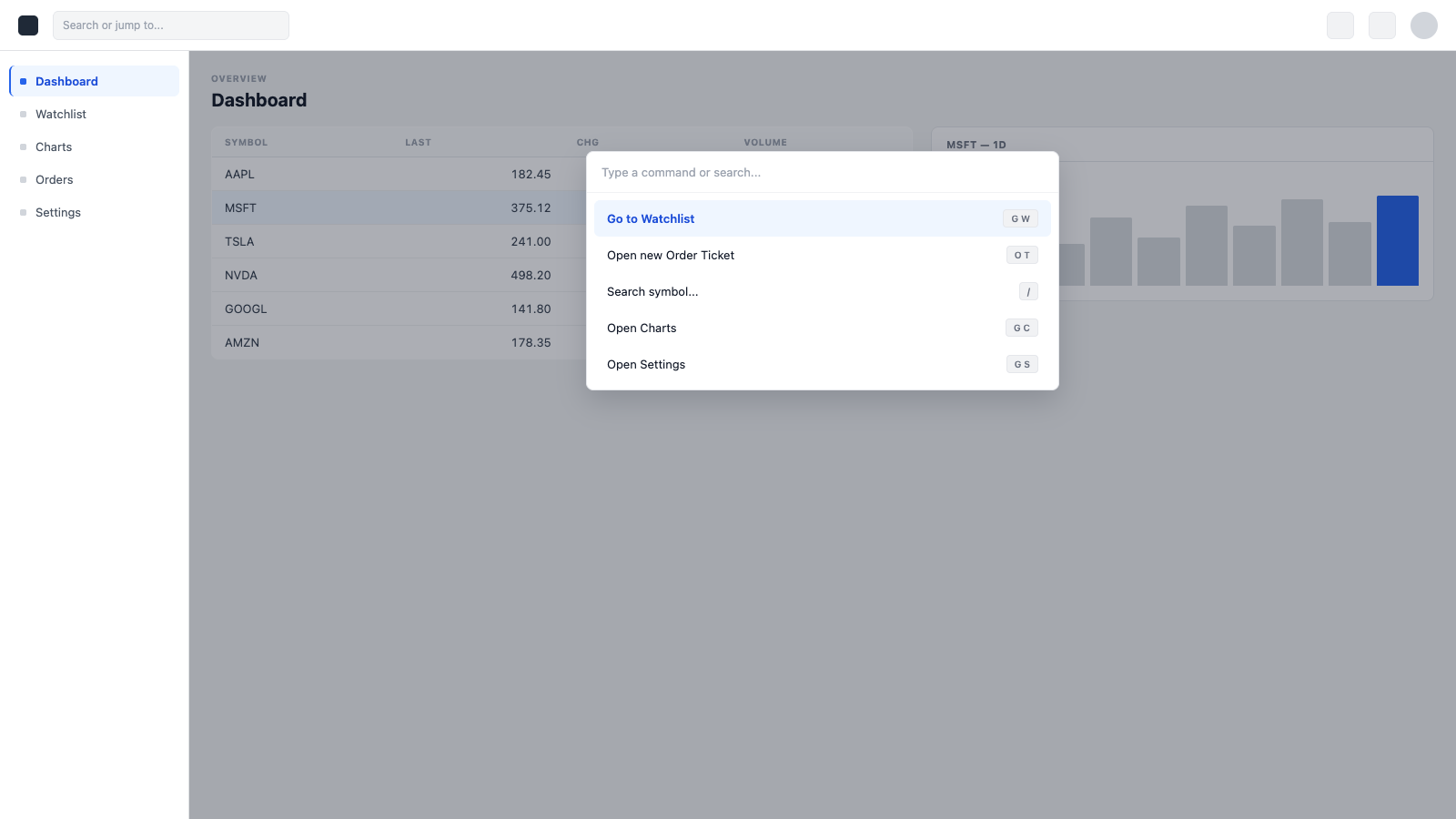
Command Line / Command Palette
Designing a keyboard-first command interface that gives power users fast, direct access to tools and actions across QSWeb.